A clearer customer record
Save company details, contact people, meeting notes and product requirements. Find customers with search and filters.
Bring your customers, visits, follow-ups and team tasks together. My Anant helps your sales team stay organised throughout the working day.
For authorised team members. Your organisation provides your login.
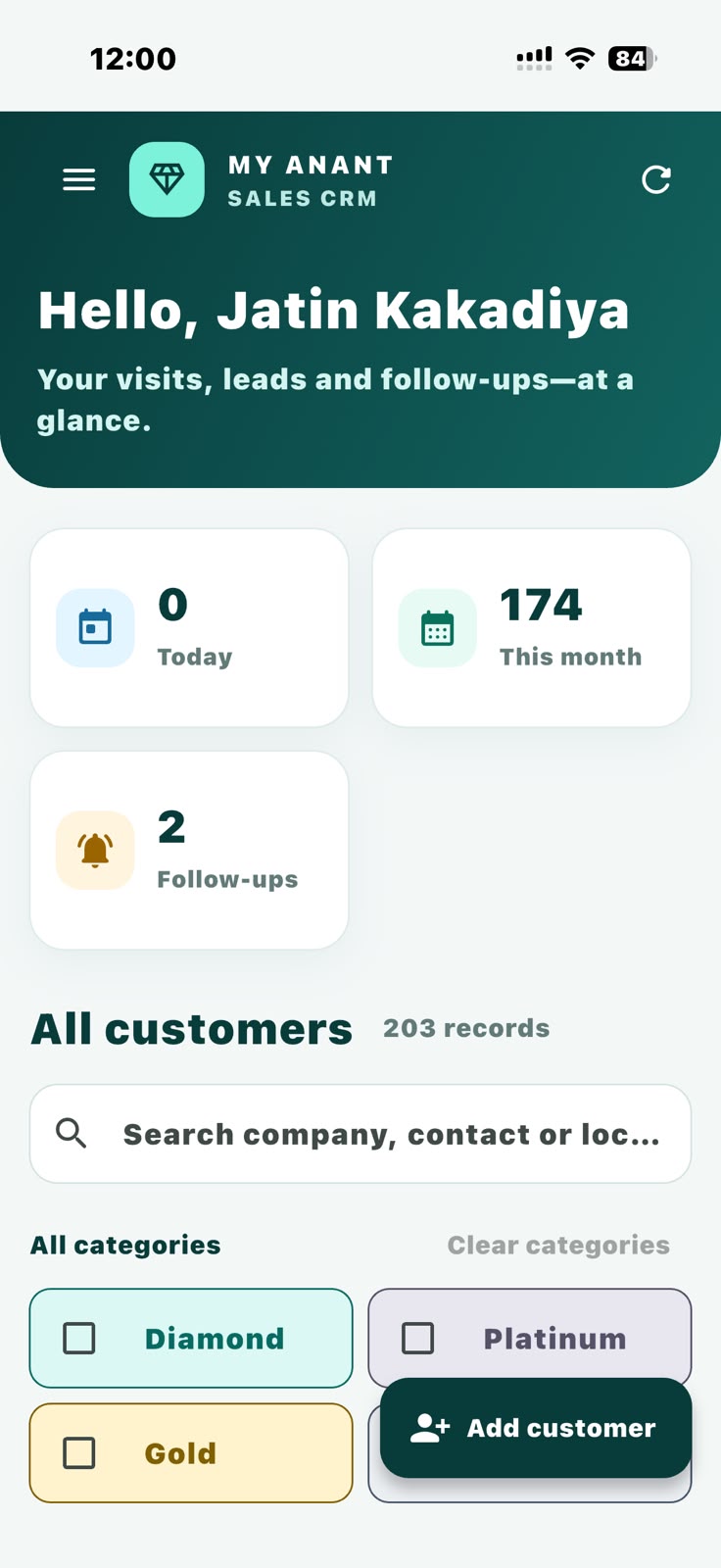
From a first conversation to the next team handover, keep the information your team needs in one place.
Save company details, contact people, meeting notes and product requirements. Find customers with search and filters.
Record visits, update lead status and keep track of follow-up dates. Open saved customer locations in maps.
Assign tasks, update progress and complete work. Hand over the next step to a team member with an updated title and description.
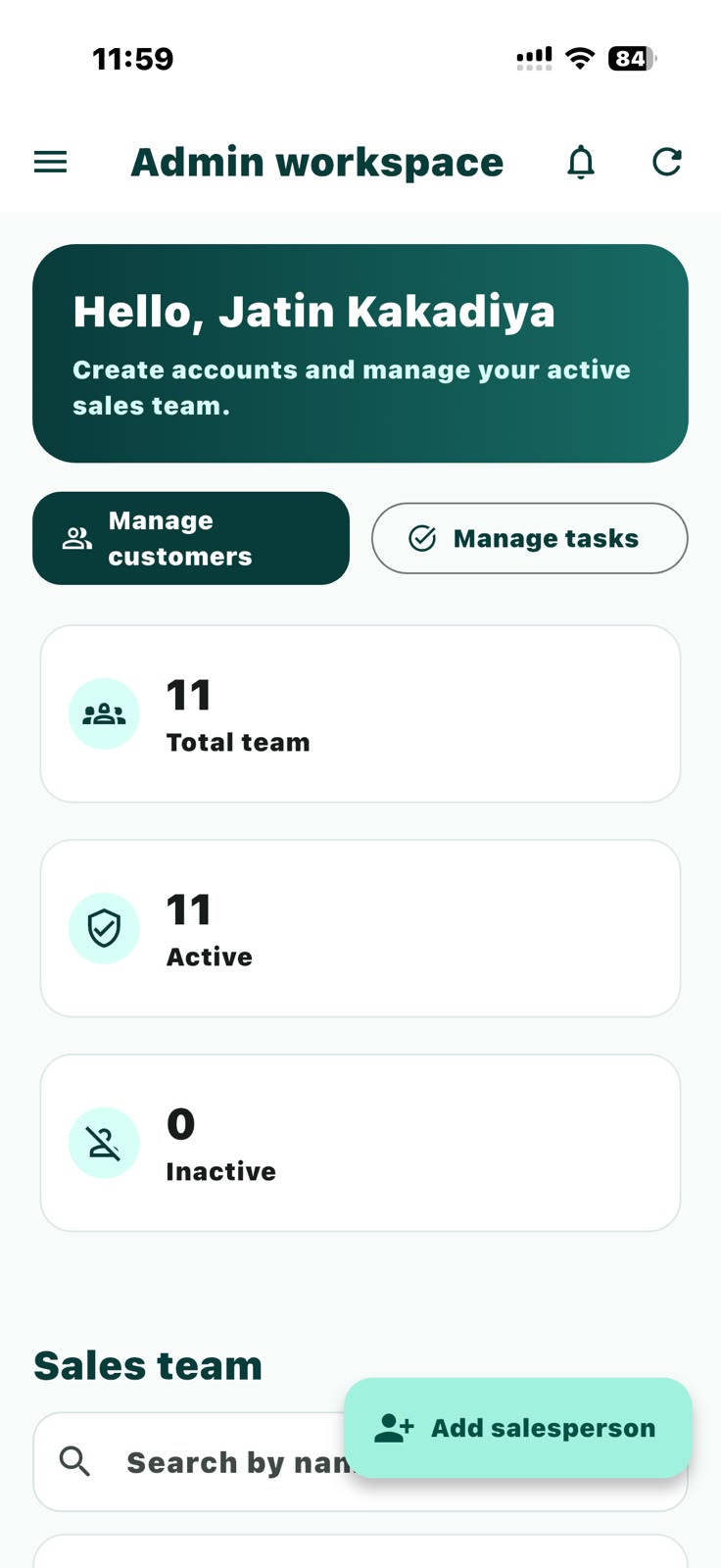
Administrators, sales managers and salespeople work within their assigned access. Feature availability depends on the permissions set by your administrator.
My Anant is for authorised members of participating sales teams. Accounts are created by an administrator; public self-registration is not available.
Location is used when selecting a customer visit location. Camera and photo access support profile photos, customer attachments and visiting card images.
Yes. An internet connection is needed to sign in and load or save information from your organisation’s server.
Visit our support page for help, or read the account deletion instructions.
Customers. Tasks. Follow-ups. One place to keep moving.
Need a hand? Contact support ↗